Can you make a video collage on iPhone without an app?
Yes. Open this page in Safari, pick your videos and photos, and export. Nothing to install, and the video saves to Photos through Share → Save Video.
Guide · with a free collage maker
What the built-in apps can and can’t do, how to put two videos side by side in iMovie, and how to make a full photo and video collage in Safari.
The iPhone’s Photos app has no collage feature for videos. Apple’s free iMovie can show two clips at once with its Split Screen and Picture in Picture overlays, and for more than two items, or for photos and videos together, this page works in Safari on the iPhone itself.
Below are both routes, plus a note on Instagram’s story Layout. If you only need two clips side by side, iMovie is already on many iPhones; for anything bigger, use the editor above.
This uses the editor at the top of this page. Nothing is uploaded, and the result saves to your Photos.
Choose Story 9:16 (or another format) above the Add photos and videos button.
Tap Add photos and videos, choose Photo Library, select your clips and photos together, and tap Add.
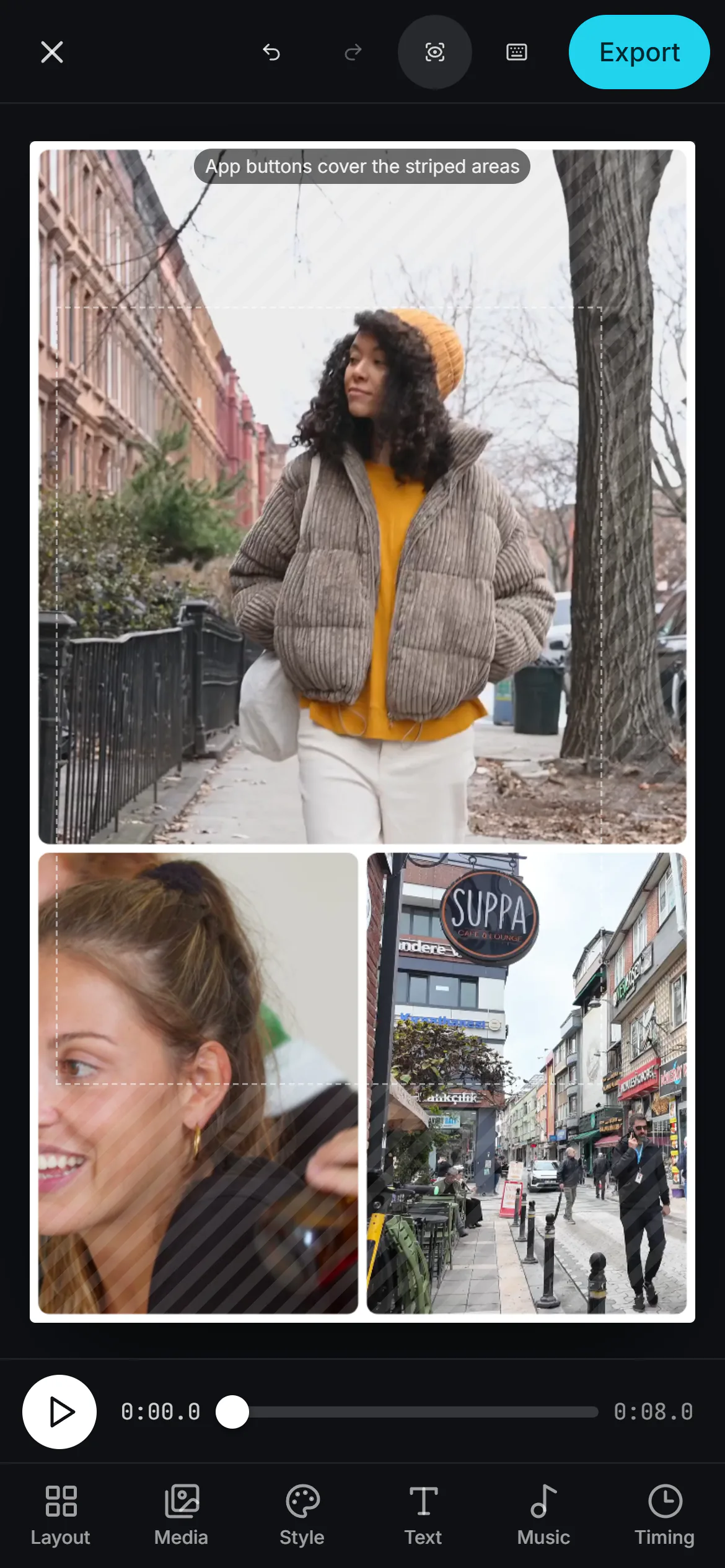 (enlarge image)
Your picks fill a story layout straight away.
Tap a tab at the bottom: Layout for templates, Media to trim, Music to add a song. Drag a cell onto another to swap; tap and drag inside a cell to reframe.
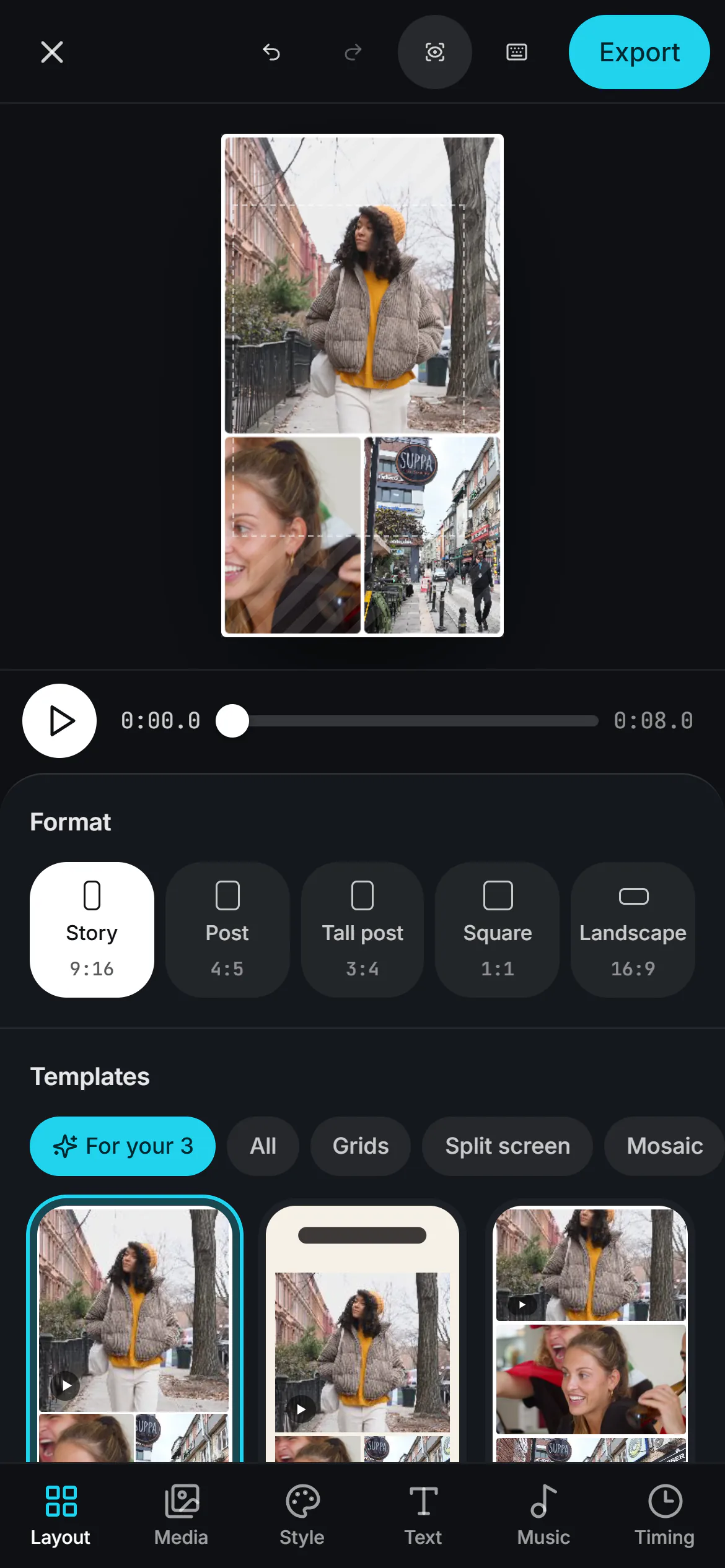 (enlarge image)
Tap Layout to try other templates.
Tap Export, then Export video. Keep Safari open while it renders.
Tap Share, then Save Video, or pick Instagram or TikTok straight from the share sheet.
iMovie for iPhone lays one clip over another. Apple’s steps (iMovie 3.0.6):
iMovie only has two layers here: the main clip and one overlay. For three or more clips, photos mixed with clips, borders and backgrounds, or a 9:16 story shape, the browser editor is the simpler route.
Photos can make a Memories movie from your photos and videos, but it plays them one after another like a slideshow rather than showing them together. Apple’s Clips app was discontinued in October 2025 and no longer gets updates.
Instagram’s Stories camera has a Layout mode that splits one story into a grid of up to six. Instagram’s own help describes it for photos, so if your version won’t take a clip, build the collage here and post the finished video. More in videos in an Instagram story collage.
iPhones save HEIC photos and HEVC videos by default (Settings → Camera → Formats → High Efficiency). Safari opens both. If a file won’t open in another browser, switch that setting to Most Compatible for new shots, or pick the photo from Photo Library, which usually hands the page a JPEG copy.
Yes. Open this page in Safari, pick your videos and photos, and export. Nothing to install, and the video saves to Photos through Share → Save Video.
Not for videos. Photos can make Memories movies, which play items one after another rather than side by side.
In iMovie, add the second clip with Add Media, tap More and choose Split Screen. Or use the split screen video page in Safari.
Yes. In the Music tab, tap Add music and choose a song file from Files. Songs from Apple Music subscriptions are protected and can’t be added to videos.
It needs a recent version of iOS and Safari. Long collages with many 4K clips take longer to export on older phones; trim the clips and choose 30 fps.