Is this photo collage maker free with no watermark?
Yes, free with no watermark and no sign-up.
Free · photos and videos together · nothing uploaded
Grids, polaroids, film strips and magazine pages for your photos, saved as a high-resolution image, or as a video with slow zooms and music.
To make a photo collage, select Add photos and videos, pick your photos, choose a template, and select Export → Image to save a JPG or PNG. Choose the larger size and a square collage saves at 2160×2160, sharp enough to print small.
The same collage can also become a video: each photo drifts with a gentle slow zoom, and you can add music. That is often more eye-catching in a feed than a still, and it takes no extra work.
Square for feeds and chats, Post or Tall post for Instagram, Story for stories and wallpapers, Landscape for screens.
Select Add photos and videos and choose up to nine. JPG, PNG, WebP and HEIC (where your browser opens it) all work.
Open Layout: Grids and Mosaic for tidy layouts, Polaroids for a scrapbook, Magazine for a title page.
In Style, set the gaps, border and corners, and pick a colour, gradient or blurred background. Add a caption in Text.
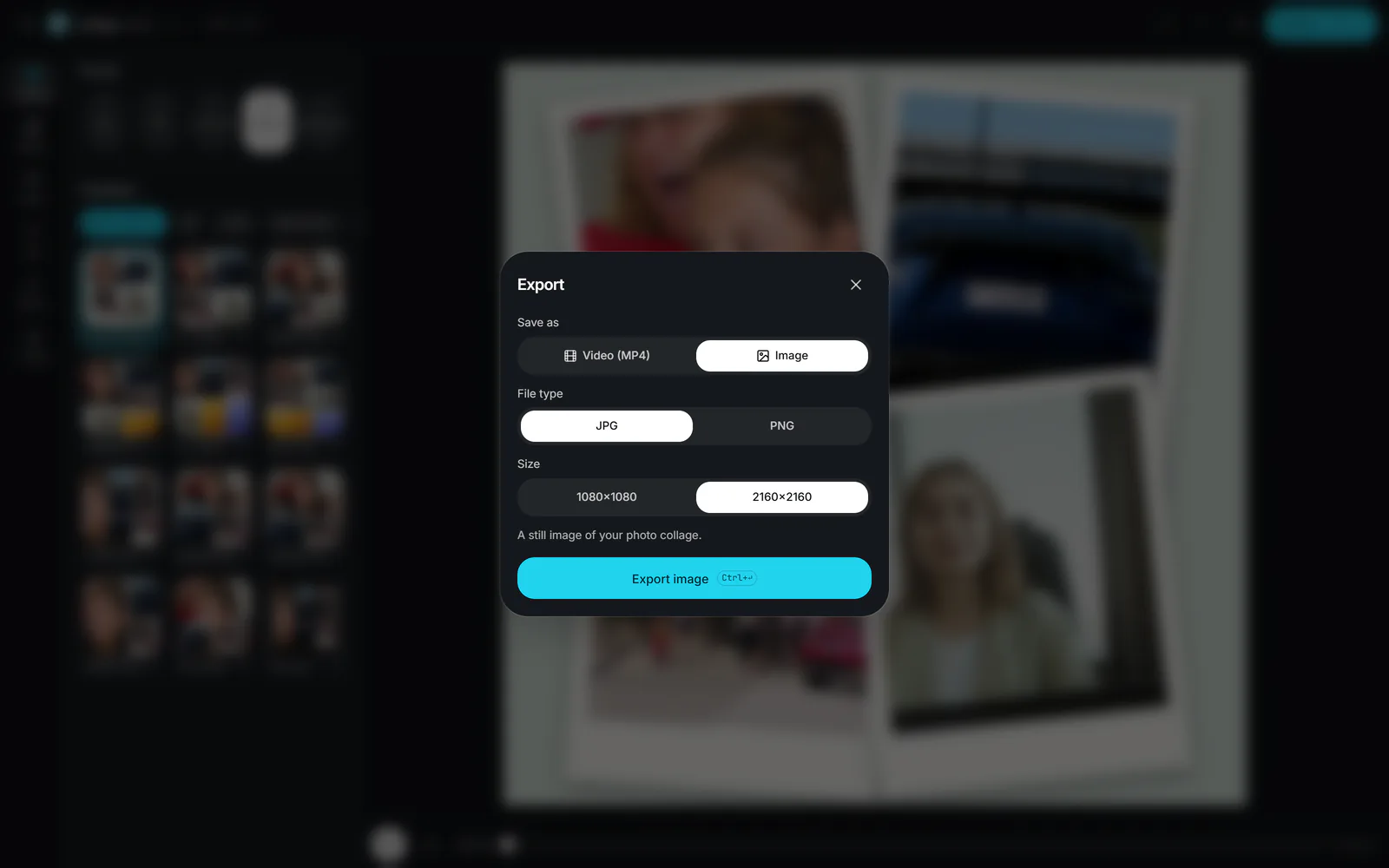
Select Export, choose Image, pick JPG or PNG and a size, then Export image and Download image.
 (enlarge image)
Choose Image, a file type and a size, then Export image.
Photos are kept at up to 2560 pixels on their longest side while you edit, which is more than any cell needs at 1× and enough for most at 2×. Zooming into a cell enlarges the source pixels, so leave Zoom near 1× for small originals. PNG keeps flat colours and text perfectly crisp; JPG gives much smaller files for photographs.
Yes, free with no watermark and no sign-up.
Up to nine. The tray keeps any extras, so you can swap them in or switch to a bigger template.
Yes, in browsers that can decode HEIC, such as Safari. On an iPhone, the photo picker usually hands the page a JPEG anyway. If a HEIC file won’t open, save it as JPEG first.
The format’s size (for example 1080×1080 for Square) or double that with the larger size option (2160×2160).
Yes. Select Export video instead of Image. Each photo gets a slow zoom, and you can add music and one-by-one reveals.