Photos and clips in one frame
Drop a mix of videos and photos and they fill the cells in order. Clips play, photos drift with a slow zoom, and everything ends together.
Free · photos and videos together · nothing uploaded
A free video collage maker for clips and photos together: pick a layout, add your own music and save a 1080p video for Stories, Reels, TikTok or your feed. No account, no upload, no watermark.
Drop a mix of videos and photos and they fill the cells in order. Clips play, photos drift with a slow zoom, and everything ends together.
Add your own track, choose where the song starts, fade it in and out, and keep, lower or mute the sound from your clips underneath.
Decoding, layout and the MP4 encode all happen in your browser. No upload, no account, no watermark on the result.
How it works
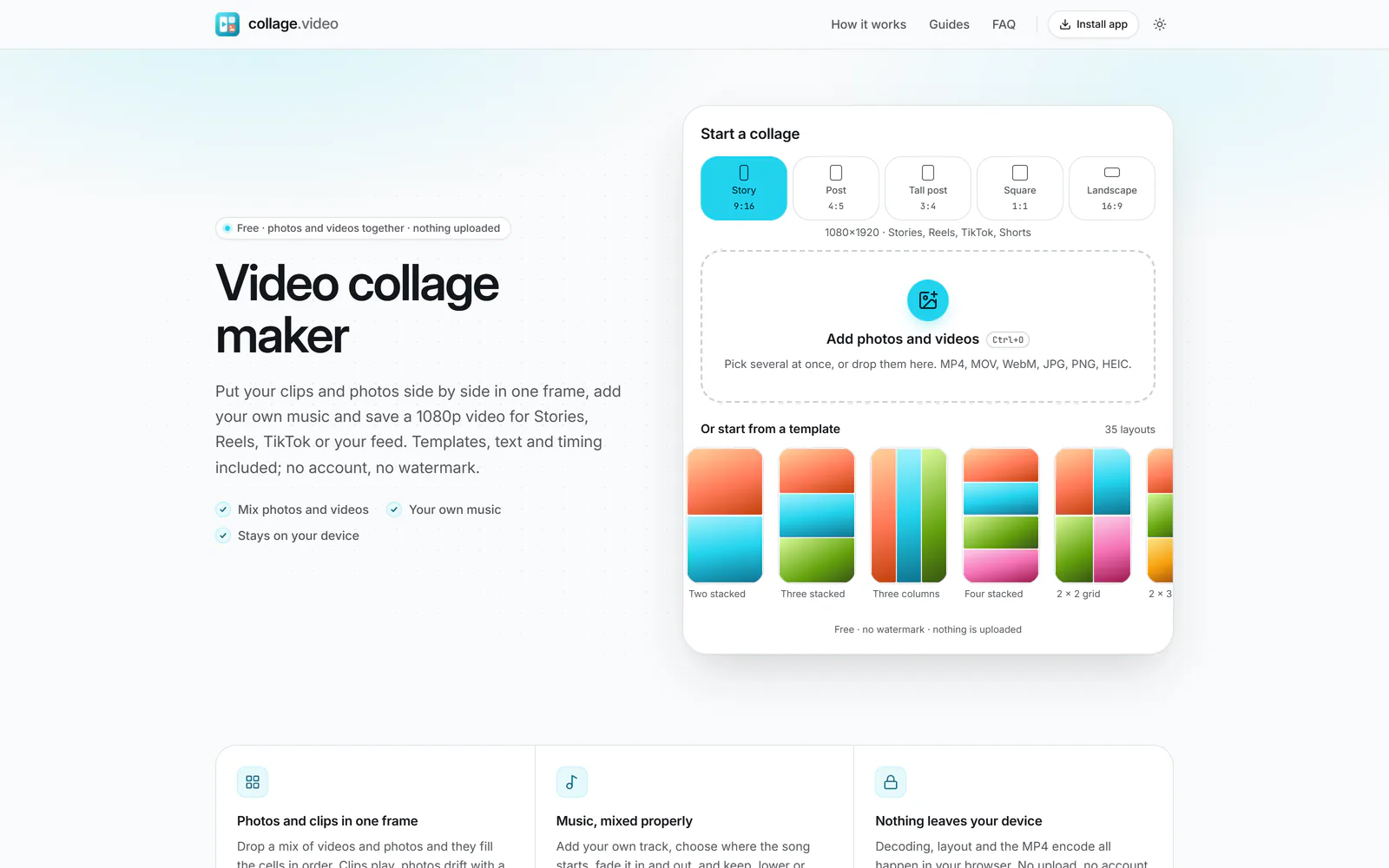
Choose Story 9:16, Post 4:5, Tall post 3:4, Square or Landscape, then select Add photos and videos and pick several at once. A template that fits how many you chose is picked for you.
 (enlarge image)
Pick a format, then select Add photos and videos.
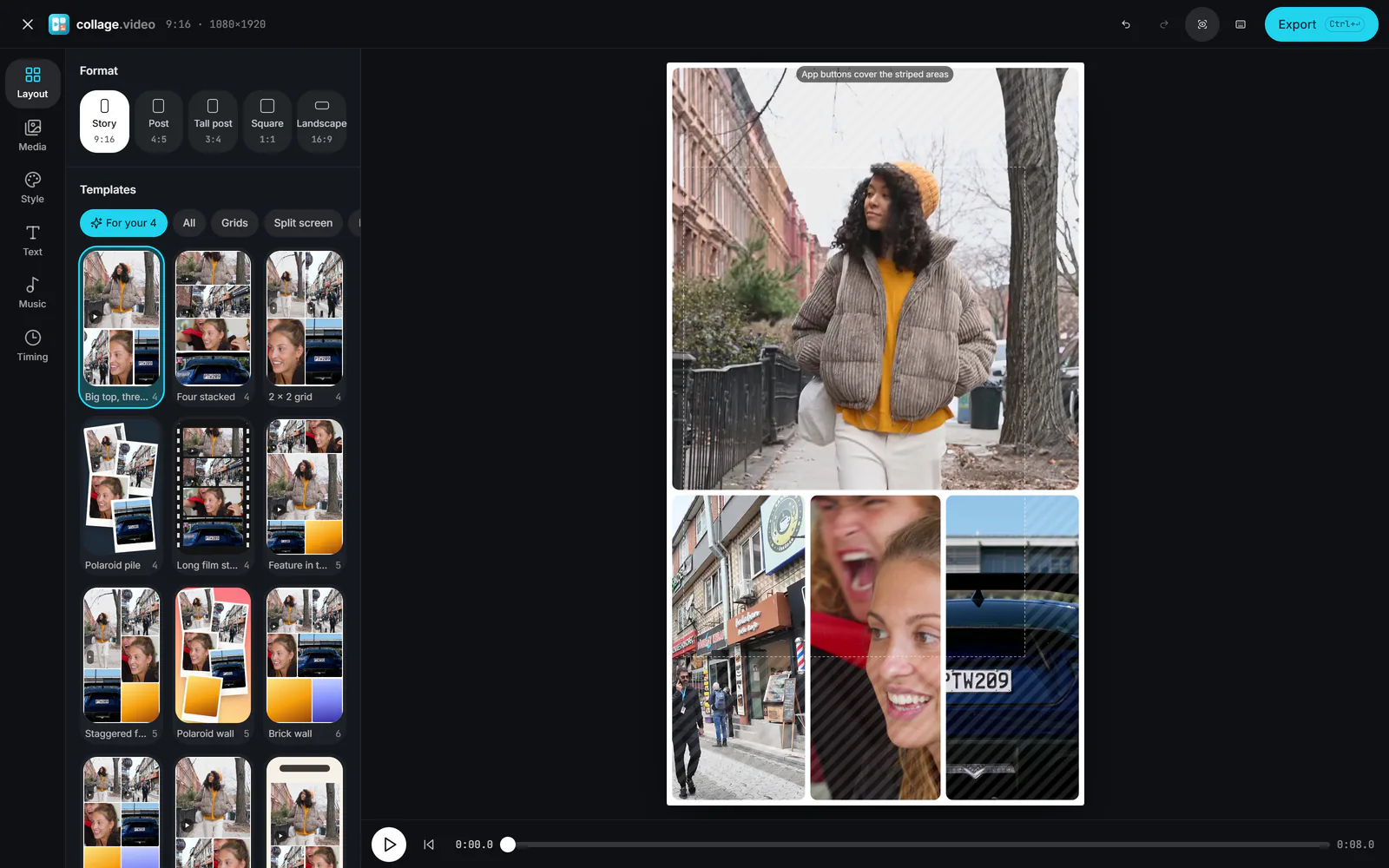
Try other layouts in the Layout tab, drag one cell onto another to swap them, tap a cell to reframe or trim it, then add text in Text and a song in Music.
 (enlarge image)
Every template in Layout previews your own media.
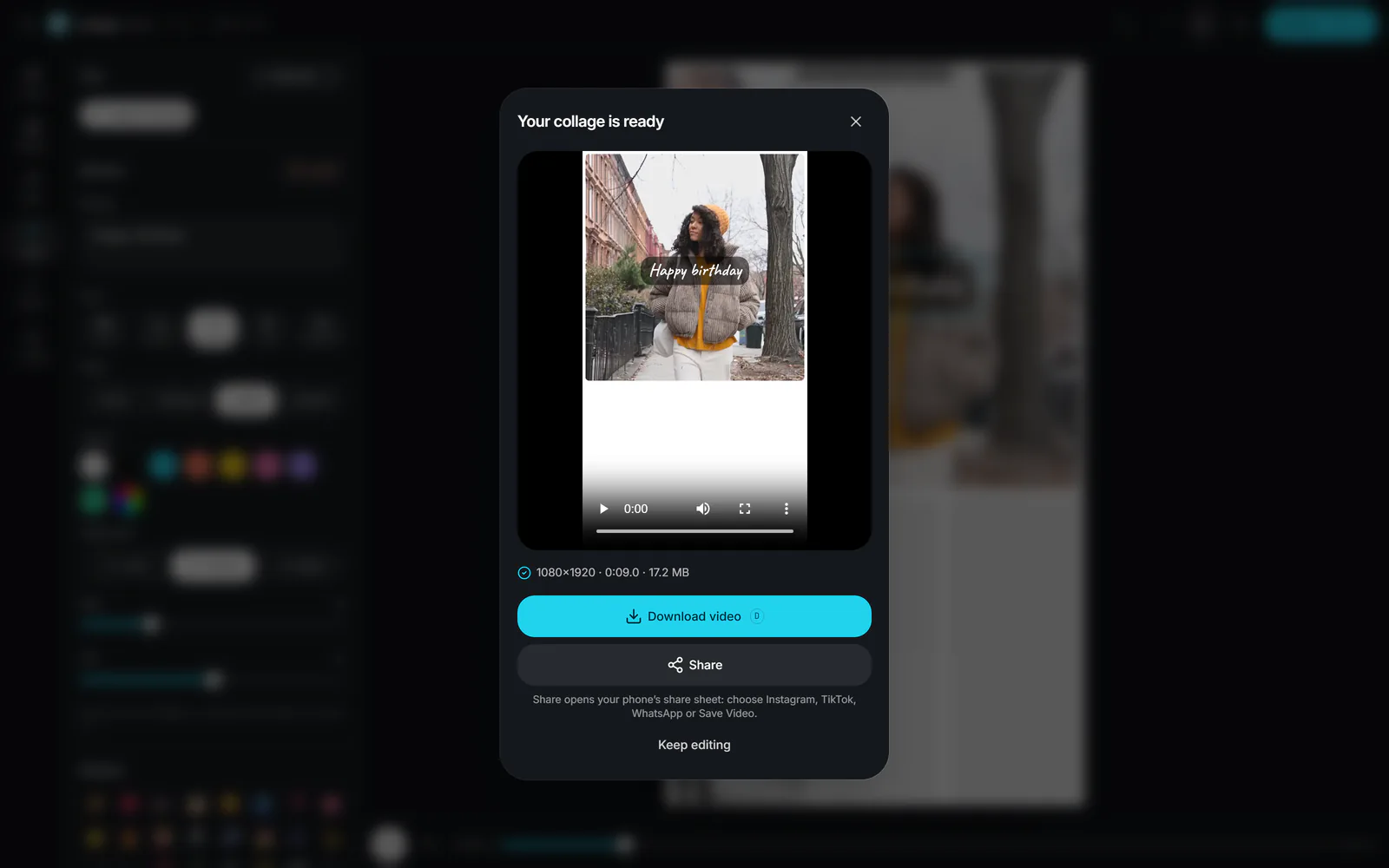
Select Export, then Export video for a 1080p MP4 (or Export image for a JPG or PNG). Download it, or use Share on your phone to send it to Instagram, TikTok or your gallery.
 (enlarge image)
Download video, or Share on a phone.
Templates
Count your clips and photos, then start from a layout with that many cells. Every layout takes photos and videos in any mix, and works in every format; browse all 35 video collage templates with previews drawn to scale.
Layouts and occasions
Windows, Mac and Chromebook
This video collage maker runs in the browser you already have: current Chrome, Edge, Firefox or Safari on a Windows PC, a Mac or a Chromebook. There is no software to download and nothing to sign up for. Drag clips and photos straight from File Explorer or Finder onto the start card, or press Ctrl+O (⌘+O on a Mac) to pick them.
A computer is the comfortable place for bigger collages: a mouse makes reframing each cell precise, Space plays and pauses, and the export draws every frame on your own graphics hardware, so 4K clips and a 60 fps export are quicker than on most phones. The finished MP4 lands in your Downloads folder. In Chrome and Edge you can usually install collage.video from the address bar to give it its own window and a place in your Start menu or Dock.
On a phone, the same page works in Safari or Chrome; the iPhone and Android guides cover the details.
Everything happens in your browser, from reading the files to encoding the MP4. The guides above cover iPhone, Android, Instagram and the popular editing apps.
Select Add photos and videos at the top of this page and choose your clips and pictures in one go. They fill the template’s cells in the order you picked them; videos play inside their cells and photos stay on screen with a gentle zoom. Change the arrangement in the Layout tab, then select Export.
It is free, there is no watermark, and you don’t need an account. Exports are full 1080p (1080×1920 for a story) with nothing added to the picture.
No. The page reads the files on your device, draws the collage with your browser’s graphics hardware and encodes the MP4 with its built-in video encoder. Your media never reaches a server, which is also why there is no upload wait.
Open the Music tab and select Add music to pick an MP3, M4A, WAV, OGG or FLAC file. Drag the highlighted window over the waveform (or use Start the song at) to choose the part that plays, set Fade in and Fade out, and pick Keep, Lower or Mute under Clip sound for the videos’ own audio.
No. There is no built-in music library, so add a track you made or are allowed to use. If you post to Instagram or TikTok you can also leave the collage silent and pick a song inside the app when you upload.
Story 9:16 (1080×1920) for Stories, Reels, TikTok and Shorts; Post 4:5 (1080×1350); Tall post 3:4 (1080×1440), which fills Instagram’s profile grid without cropping; Square 1:1 (1080×1080); and Landscape 16:9 (1920×1080). Videos export at 30 or 60 fps.
Up to 3 minutes. By default it lasts as long as your longest clip after trimming; in the Timing tab you can set an exact length instead, or choose Music to match the song. Shorter clips loop or freeze on their last frame to fill the time.
Yes. In the Timing tab, turn on Show one by one. Each cell then pops, fades or slides in after the one before it, which works well for story-style reveals. Set the Time between cells to control the pace.
Yes. Add only photos, select Export and choose Image. You can save a JPG or PNG at the format’s size or at double size (2160×3840 for a story) for extra sharpness.
Yes. In the Text tab, select Add text, type your words and pick a font: Clean, Classic, Handwritten, Bold or Typewriter, with Plain, Shadow, Label or Outline styles. There is also a small set of emoji stickers. Drag either on the collage to place it.
They can, at the top and bottom of a 9:16 video and down the right-hand side. In Story format, the Safe zones button in the top bar stripes those areas, so you can keep faces and text clear of them.
Yes, in current versions of Safari, Chrome, Edge and Firefox on phones, tablets and computers. The editor is built for touch: tap a cell to select it, drag to reframe, pinch to zoom. On iPhone, HEIC photos open in Safari.
No. Your project, including the photos, videos and music you added, is saved in this browser as you work. Come back to this page and it appears under Continue a collage. Clearing your browser’s site data removes it.
The export draws every frame on your device, so long collages with many 4K clips take longer, especially on older phones. Try 30 fps instead of 60, trim long clips, or close other tabs. If your browser can’t encode MP4 with WebCodecs, the page records the collage in real time instead, which takes as long as the collage itself.